Solo
For training on your own.
- Work, rest and rounds routines
- 3·2·1 and a sound at every phase change
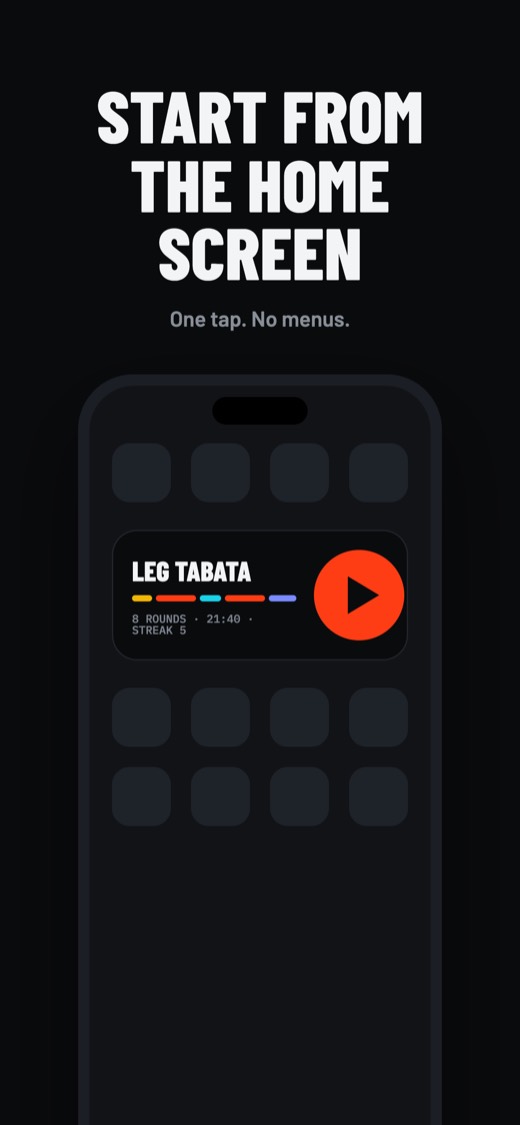
- History and widget with Pro
- No ads, no account

On the coach's phone, on every student's phone and on the gym TV, to the same second. Or just on yours, if you train alone.
I have a room code →For training on your own.

For coaches, boxes and gyms.
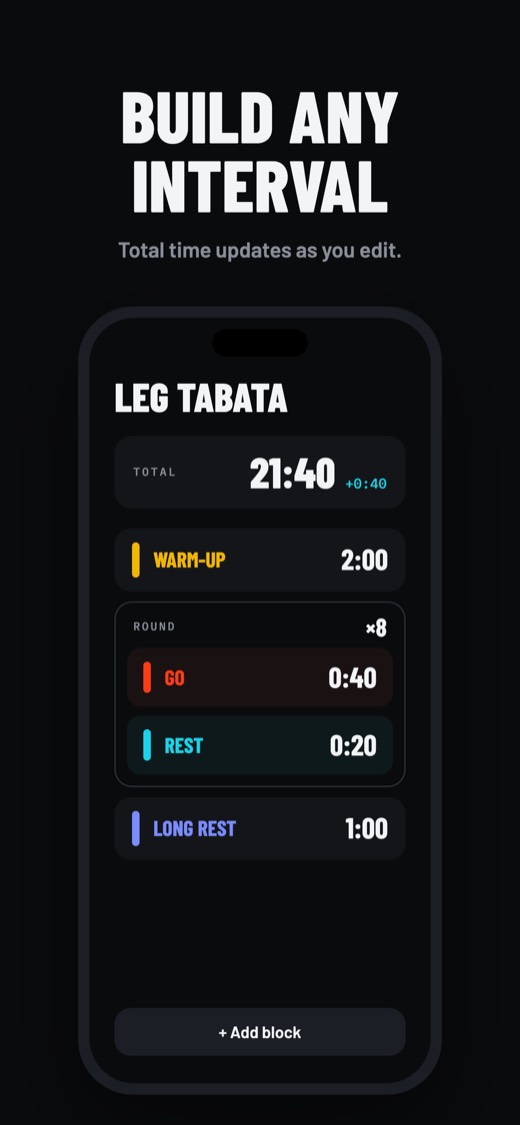
Warm-up, work, rest, rounds and long rest. Or start from the routines the app comes with.
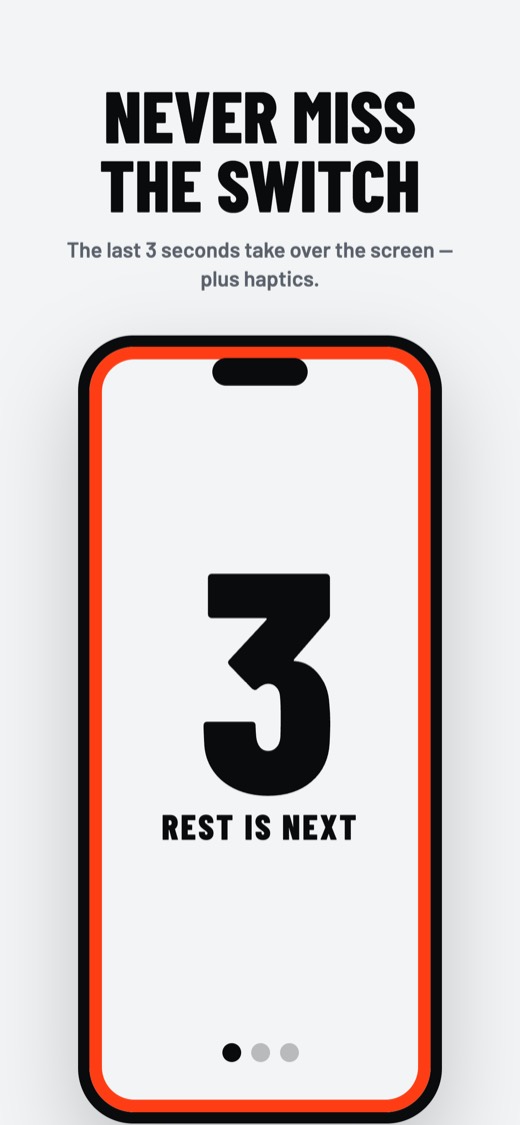
Each phase's colour, the 3·2·1 and a sound at every change guide you without looking at the screen.
Every session is saved on your phone: minutes this week, streak and history.
With a groupTabata, EMOM, AMRAP, station circuits, ladders, warm-up and rests. Or start from a template.
A 6-digit code and a QR. Temporary for one class, or fixed for every week.
From the app or the browser, with just the code and their name. No account, nothing to pay.
Start, pause, skip, +15 s or repeat from your phone. Everyone sees it on the same second, the TV too.

From the coach's phone to the gym TV and every student's phone, to the same second. No wall clock, no whiteboard, and nothing for students to install.
Each block with its colour and length. The bar on top is the whole class.
The code in big type, the QR and students arriving live. Tap a name to remove them.
Big buttons for a sweaty hand. Stopping everything takes a 1-second hold.
The same second as the coach, on a phone or in a browser. If the connection drops, it keeps going.
Each circuit station shows which group is there now and which one is coming.
Readable from 10 metres. No text, blackout or a flash at each change, as you like.
Skip the €300–800 wall clock. With the Studio plan, every coach at your gym gets Groups in one payment: 24,99 €/month with 3 coaches, and your logo on the TV.
Try it free for 30 days →24-hour temporary rooms or fixed ones, with a name.
Up to 4 colour groups rotating around the circuit.
Whistle, horn or boxing bell. Plays on the coach's phone and the TV.
The timer never stops; it resyncs when it's back.
Yours and HIIT Timer's. Save a class with the adjustments you made.
To train on your own, a single payment. To run classes, Groups. Students never pay.
To get started
To train on your own
GROUPSFor coaches and gyms
Billed 59,99 € a year, with 14 days free. Or 7,99 € a month, or 149,99 € once, forever.
For boxes and gyms
or 249 €/year · 30-day trial, no card
Prices include VAT in the euro area; elsewhere, the App Store or Google Play price applies. Groups renews automatically; cancel any time from the store.
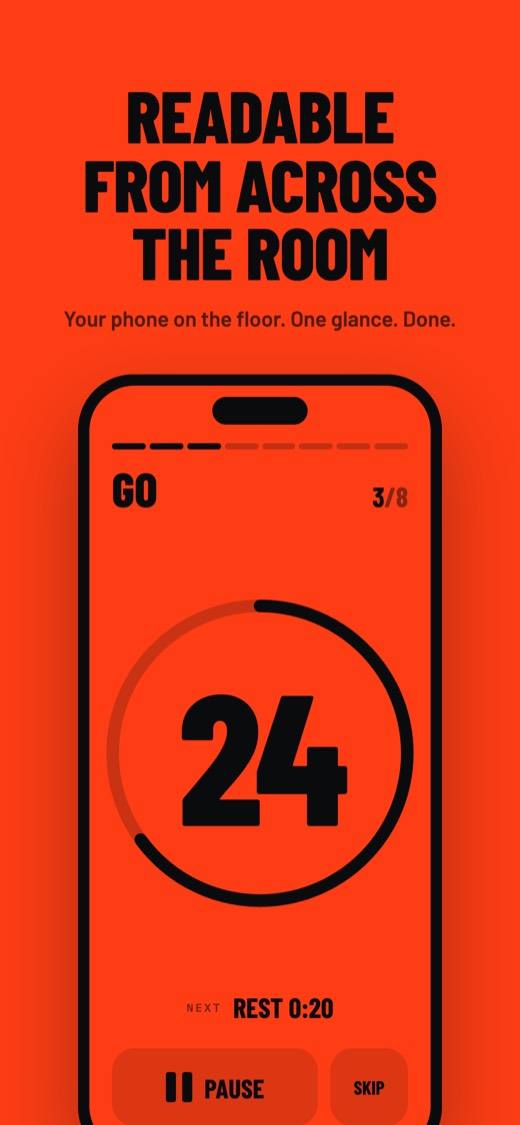
Big digits, one colour per phase and nothing to distract you. This is the app when you train on your own.
The workout running on your phone, on your watch. A glance at your wrist tells you the phase, the seconds and the round, with your phone still in your pocket.
Phase, big countdown, round X/Y, exercise and the progress bar under the time, in the app's colours.
At every phase change, on the last 3 seconds and at the end. In rooms, the 3·2·1 too.
Pause, resume and skip. When training on your own or as the room's coach.
As a room member, your watch follows the coach's timer. Just watch, no buttons.
Turn it on and every workout over 1 minute is saved to Apple Health or Health Connect, with its work and rest segments when there were no pauses. Live room workouts too.
HIIT Timer reads no health data at all: no weight, no steps, no heart rate. It only adds your workouts.
No. They join with the code from the browser (hiittimer.io) or the app, with just a name. No account, nothing to pay.
Up to 30 participants at a time. Temporary rooms last 24 hours; fixed ones stay until you delete them. If you need more, talk to us: we make custom plans for studios.
To join the room and get the start, yes. Once it's running, if someone loses the connection their timer keeps going and catches up with the class when it's back.
Open hiittimer.io/tv in the TV's browser (smart TV, Chromecast or a computer over HDMI). It shows a code and a QR: type it or scan it from the app. No cables, nothing to install.
From the coach's phone and the TV, with the sound you pick (whistle, horn, boxing bell). Students' phones only vibrate, so it doesn't get noisy.
Yes, the yearly plan comes with 14 days free. Cancel before it ends and you pay nothing.
Yes. Group mode builds sessions from Tabata, EMOM, AMRAP (counting up or into negative), station circuits, ladders, warm-up and rest blocks.
No. Pro is a one-time payment of 4,99 € and it's yours forever. Only Groups, for running classes, is a monthly or yearly subscription (or lifetime with a single payment).
Yes, both. And students can follow the class from any browser.
Your workouts are stored on your phone. In rooms only the name you type is shared; the coach has an account (Apple, Google or email) to keep rooms and the Groups plan.
Yes. The watch shows the workout running on your phone. If the connection drops midway, it keeps counting accurately.
Apple Watch (with an iPhone) and Wear OS watches (with Android). Training on your own or as a coach you can pause and skip from your wrist; as a room member, the watch follows the class.
Only workouts over 1 minute, with their length and work and rest segments when there were no pauses. It's optional (Settings) and HIIT Timer reads no health data.
Free on iPhone and Android. Students can also follow classes from the browser, nothing to install.
I have a room code: join from the browser →Are you a coach or run a gym and want to try it with your group? Have a question, an idea or found a bug? Write to us and we'll get back to you.
Book a democentral@brothapps.com